- WhatsApp: 8613777772066
- Email: [email protected]


Open the side panel of almost any desktop PC and you will find the same thing: a tangle of power, data and fan cables fighting for space. Zip ties fix that, but only when you pick the right size. Too short and the tie will not close around the bundle; too wide and it looks clumsy, adds stiffness and can crush thin signal cables. For a business that builds, repairs or resells PCs, the wrong size also means wasted labour and avoidable returns.
This page gives you the exact widths and lengths to keep on your bench, how to calculate a size from any bundle diameter, and what to check when you buy nylon cable ties in bulk.
The short answer
For most PC cable management you only need three sizes: 2.5 mm × 100 mm for small internal bundles (fans, front panel, SATA), 3.6 mm × 150 mm for rear I/O and peripheral runs, and 4.8 mm × 200 mm for PSU, under-desk and rack bundles. Choose the width from the bundle diameter, and the length from the bundle’s circumference plus about 15 mm for the tie head.
A zip tie has three numbers that matter, and they are always listed in the same order: width × length × tensile strength. Width is the cross-section of the strap in millimetres, length is the total strap length, and tensile strength is the load the tie holds before it breaks, quoted in kilograms or pounds.
Standard nylon ties move in a predictable ladder:
The most common mistake is choosing the length from the size of the PC case instead of the diameter of the cable bundle. A 150 mm tie does not “fit a mid-tower”; it fits a bundle up to roughly 35 mm across. Length is a function of circumference, not case volume. A quick formula gets you close every time:
Minimum tie length ≈ (bundle diameter × 3.14) + 15 mm for the head and locking pawl.
So a 25 mm bundle needs (25 × 3.14) + 15 ≈ 94 mm – a 100 mm tie at minimum, or a 150 mm tie if you want finger room to add a cable later. This is the same logic behind every reliable cable tie sizes guide.
The table below maps the sizes you will actually use to the bundles they hold and the cables you will meet inside and around a PC. Values are typical for standard nylon 6/6 ties – always confirm the exact figures on your supplier’s datasheet.
| Tie size (width × length) | Max bundle diameter | Tensile strength | Best PC / IT use case |
|---|---|---|---|
| 2.5 mm × 100 mm 0.10 in × 4 in | ~22 mm | 8 kg / 18 lb | Fan, front-panel, SATA and RGB cables |
| 3.6 mm × 150 mm 0.14 in × 6 in | ~35 mm | 18 kg / 40 lb | Rear I/O, peripheral and desk runs |
| 3.6 mm × 200 mm 0.14 in × 8 in | ~50 mm | 18 kg / 40 lb | Sleeved runs and multiple thin cables |
| 4.8 mm × 200 mm 0.19 in × 8 in | ~50 mm | 22 kg / 50 lb | PSU 24-pin and GPU PCIe bundles |
| 4.8 mm × 300 mm 0.19 in × 12 in | ~80 mm | 22 kg / 50 lb | Under-desk trunking and monitor arms |
| 7.6 mm × 370 mm 0.30 in × 15 in | ~105 mm | 55 kg / 120 lb | Server rack and patch-panel bundles |
| 9.0 mm × 550 mm 0.35 in × 22 in | ~160 mm | 80 kg / 175 lb | Data centre and heavy industrial runs |
If you would rather start from the bundle in front of you, use the finder below – it turns any measured diameter into the tie you should reach for.
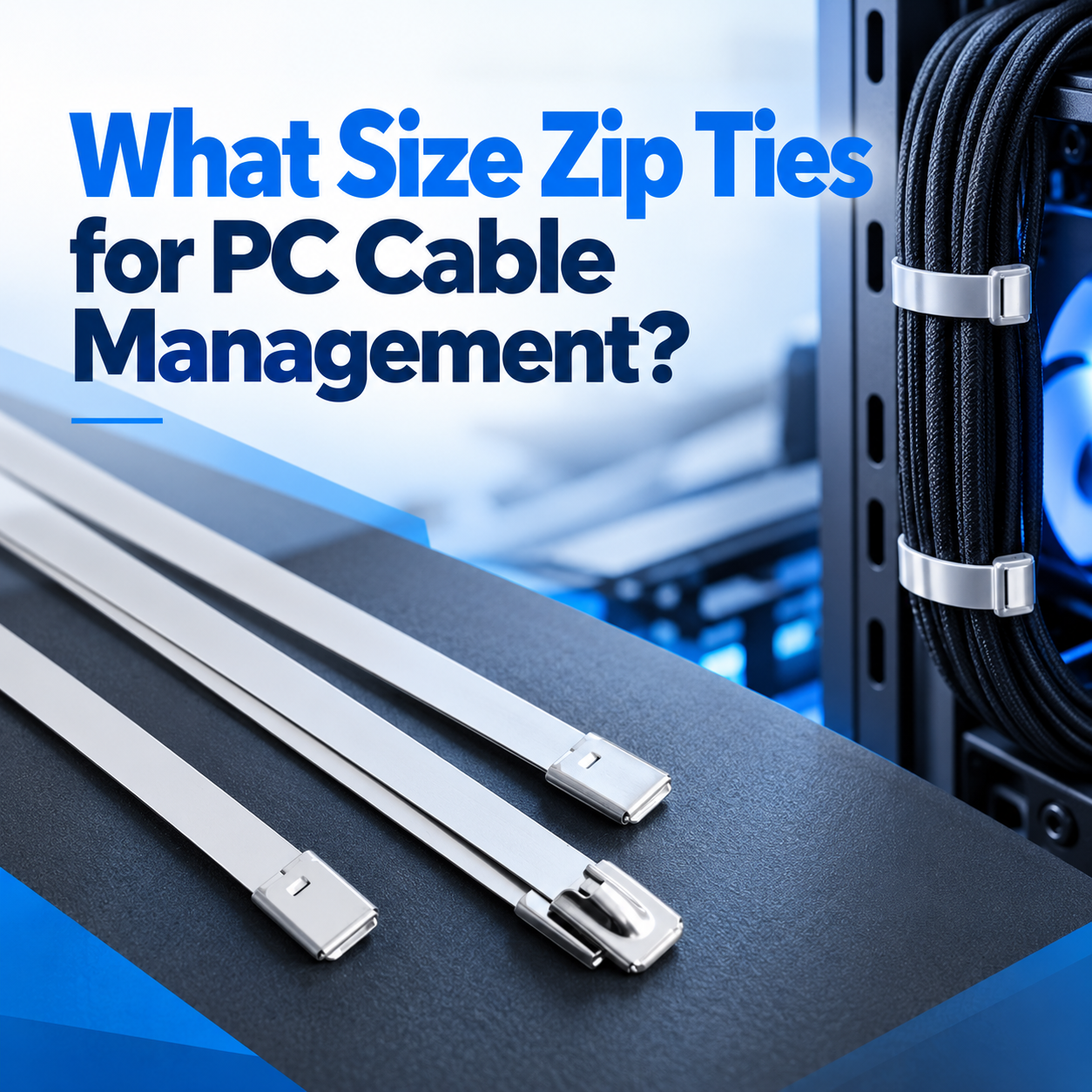
Front-panel headers, fan cables, SATA data and RGB leads rarely exceed 10–15 mm across. A 2.5 mm × 100 mm tie closes neatly and, because it is thin and flexible, it will not fight the tight clearances behind the motherboard tray. Keep one bag of these within arm’s reach and you will use them on almost every build.

A 24-pin ATX cable plus two PCIe power cables can reach 30–45 mm across. This is where 4.8 mm ties earn their place: the wider strap spreads the load and holds the bundle without cutting into the insulation. Tighten only until the bundle is firm – over-tightening stiffens the cables and puts strain on the connector, which is a leading cause of intermittent faults your customers will blame on the build.
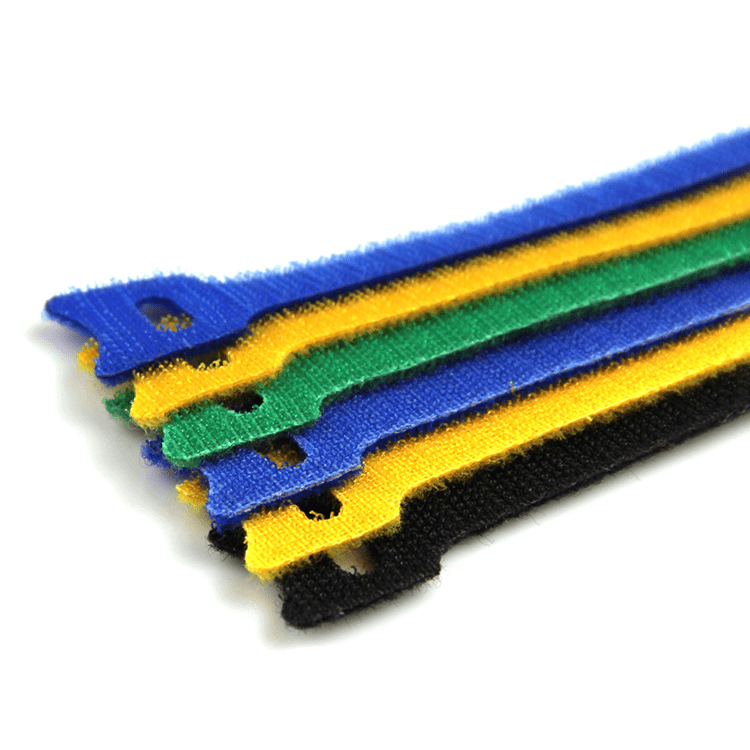
Runs behind a desk are long but rarely thick, so 3.6 mm × 150 mm ties handle most of them. If cables will be added or removed often – USB drives, docks, test rigs – switch to hook-and-loop cable ties, which release without a knife and can be reused hundreds of times. For a fixed, tidy route along a desk edge, flat cable clips hold the bundle down without drilling through the worktop.
Rack bundles are dense and heavy: a patch bundle can easily hit 60–100 mm. Use 4.8 mm to 7.6 mm ties in 300–450 mm lengths, and pair them with cable tie mounts so the weight sits on the rack frame instead of hanging from the connectors. For permanent metal runs, stainless-steel ties are the alternative – but inside a live rack, nylon is safer because it will not abrade the adjacent jackets.

Size is only half the decision. The style of tie you choose decides which widths are worth stocking:
Material also sets the temperature and UV limits. Standard nylon 6/6 handles roughly −40 °C to 85 °C and is fine indoors; for outdoor cabinets or hot server rooms, confirm the heat and UV rating before you commit to a size, because a tie that creeps or embrittles will loosen – and re-running that cable costs far more than the tie ever did.
When you are sourcing ties for your business rather than a single build, the question shifts from “does it fit?” to “will every bag in every shipment perform the same way?” Run through this checklist:
Buying cable ties for your business?
BOESE manufactures nylon cable ties in a full range of widths, lengths and colours. Tell us the bundles you tie most often and we will match the sizes for you.
For almost all internal cables – fans, front panel, SATA and RGB – use 2.5 mm × 100 mm ties. Step up to 3.6 mm × 150 mm only for thicker rear I/O or multi-cable runs. Both are thin enough to fit behind the motherboard tray without straining the cables.
Measure the bundle diameter, multiply by 3.14 to get the circumference, then add about 15 mm for the head and locking pawl. A 25 mm bundle therefore needs roughly 94 mm of strap, so a 100 mm tie is the minimum and a 150 mm tie gives comfortable slack. For more on matching strap length to bundle size, see this zip tie length guide.
Width sets both strength and stiffness. 2.5 mm ties are light and flexible (around 8 kg / 18 lb), 3.6 mm ties are the general-purpose middle (around 18 kg / 40 lb), and 4.8 mm ties carry bulky mains and data bundles (around 22 kg / 50 lb). Match the width to the weight and diameter of the bundle, not to the price.
A 3.6 mm × 150 mm tie is the comfortable choice for a 25 mm bundle. Its maximum bundle diameter of roughly 35 mm leaves slack for future cables, while the 3.6 mm width is strong enough to hold a typical PSU or desk run without being stiff.
Wider ties do have higher tensile strength, but they are also stiffer and can crush thin cables if over-tightened. For PC work, the strongest tie is the one that fits the bundle cleanly – which is often a 3.6 mm tie rather than a 7.6 mm one.
They solve different problems. Standard self-locking nylon ties are the cheapest, lowest-profile option for permanent builds, while hook-and-loop or releasable ties are better anywhere cables will change – service benches, test rigs and desks with frequent device swaps. Most businesses stock both.
BOESE ties are produced under ISO 9001 and RoHS systems and carry TUV and CE certification, with UL available depending on the range.
You do not need dozens of sizes to manage PC cables well. Keep 2.5 mm × 100 mm for small internal bundles, 3.6 mm × 150 mm for desk and peripheral runs, and 4.8 mm × 200 mm for PSU and rack work – then size by bundle diameter and length by circumference plus a 15 mm head allowance. Do that and your builds look cleaner, your cables last longer, and your team stops guessing.
Get the right sizes, straight from the manufacturer
Tell us your bundle sizes and volumes and we will send the matching ties.

Modern enterprise integrating R&D, production, sales and service
Privacy Policy | Sitemap
Copyright BOESE Co.,Ltd SUPPORT BY :JUNJ
 Optimized by Seraphinite Accelerator